
Our Technical Support team may request the device logs from your Starvision software to help analyze and resolve any issues you might encounter.
Please follow the instructions below to collect these files and share them with our Technical Support team.
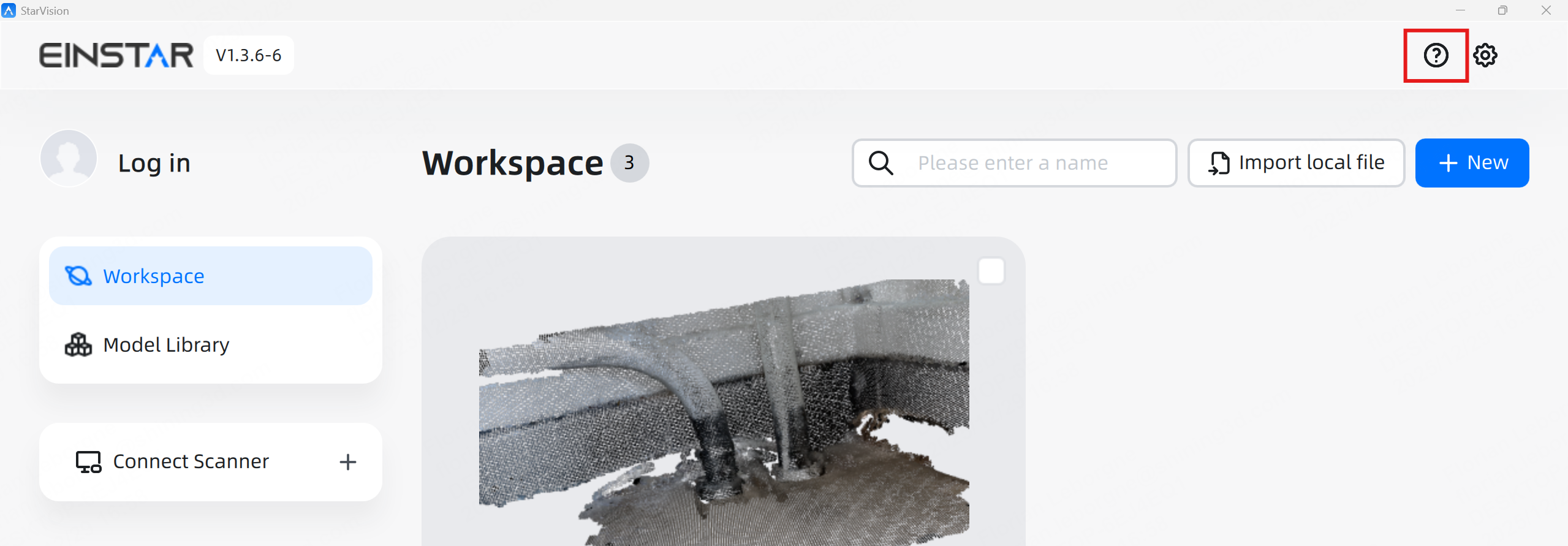
- Open Starvision
- Go to Question mark icon on top right corner :
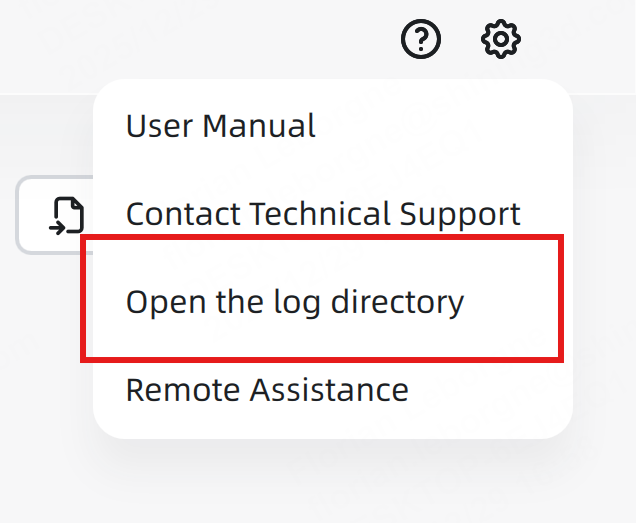
- Click on "Open the log directory"
- Go back to StarVisionAssetLibrary folder
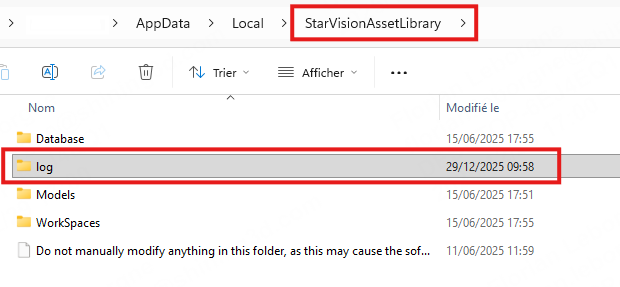
- Collect the full log folder and share it with support
Thank you very much for your cooperation!