
What should I do if EXScan Rigil or EXStar Hub shows error codes
("738197503”,or “722468869") when I try to generate a point cloud or mesh my data? 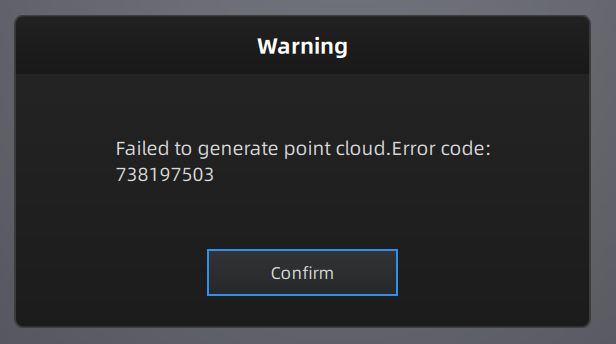
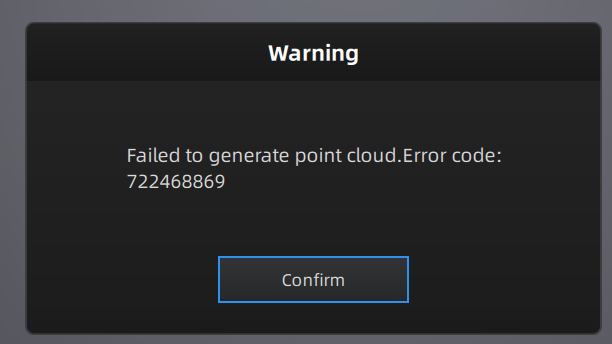
Note: This error often occurs if your project work directory is set to a cloud-synced folder, such as Microsoft OneDrive, Google Drive, or Dropbox.
These services can lock files or interrupt the software's ability to write the large, temporary files required for processing 3D data.
Solution:
1) Move your project: Save your project files to a local drive on your computer (e.g., C:\, D:\, or another internal disk).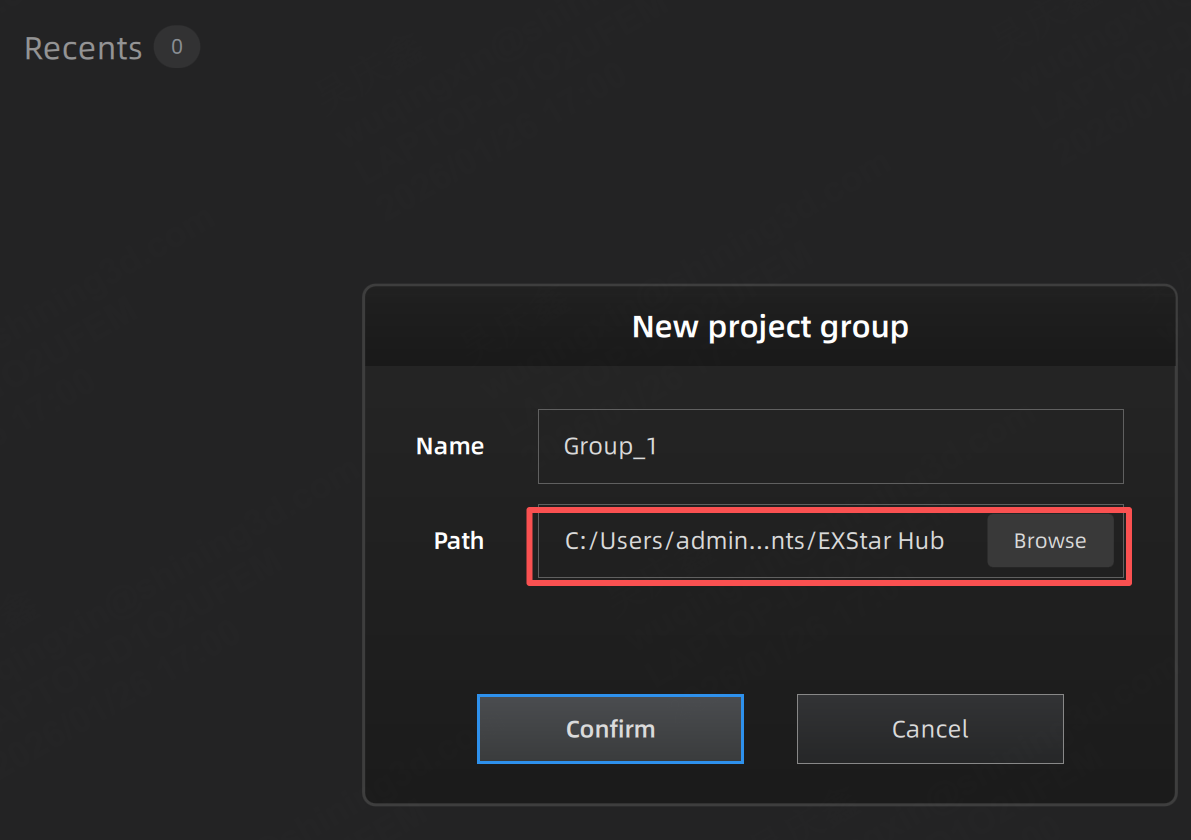
2) Re-run the process: Try generating the point cloud or mesh again from the new location.